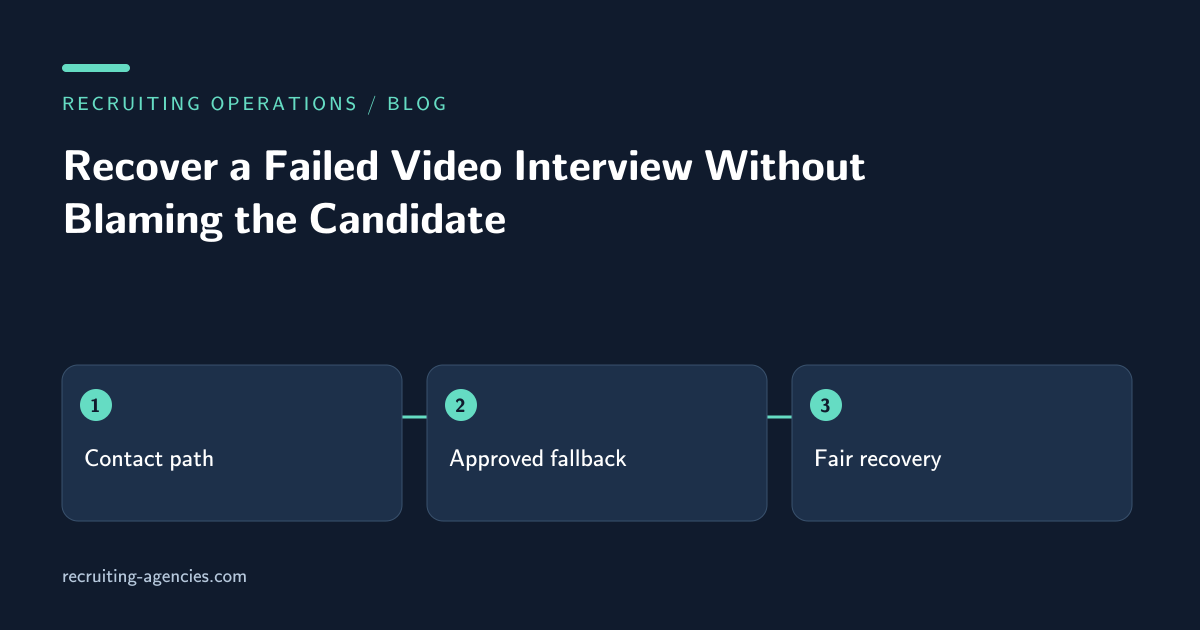
The candidate is waiting in a video lobby, the interviewer sees an empty meeting, and the calendar reminder says the interview has already begun. Without a recovery procedure, the agency may mark the candidate absent while both participants are trying to attend. The immediate task is to establish a shared contact path and preserve the opportunity to interview, not to decide whose technology failed.
A recruiting assistant can coordinate this recovery when the recruiter has approved the fallback options in advance. The assistant should know which channels may be used, who can admit participants, when to stop troubleshooting, and who can authorize a different format. Those decisions are difficult to improvise while an anxious candidate waits.
Prepare the fallback before the appointment
The invitation should contain an approved support contact and a clear way to report trouble. Keep that contact reachable during the interview window. A mailbox checked only at the end of the day cannot serve as an immediate fallback for a meeting starting at nine in the morning.
Confirm the meeting host and backup host under the conferencing product's current controls. Do not assume that being invited gives an interviewer permission to admit people or start the session. The scheduler can check the arrangement with a designated test meeting rather than entering confidential interviews to inspect settings.
Agree on a troubleshooting time limit that fits the interview. A short screening call and a long technical exercise may need different recovery choices. The recruiter should approve whether the team may switch to an audio call, move to another meeting link, or reschedule. The assistant should not alter an assessment format simply because a faster alternative is convenient.
Establish who is where
When trouble is reported, identify the candidate, interviewer, intended event, and observed symptom. Ask whether each person is using the current invitation. A rescheduled interview can leave an older link in an email thread, and two functioning meetings can exist at the same time.
Use factual descriptions: waiting in lobby, link rejected, audio unavailable, or host not present. Avoid attributing the failure to the candidate's preparation. The assistant rarely has enough evidence to know whether the cause is a device, network, account policy, meeting configuration, or outdated invitation.
Check whether the problem affects one participant or everyone. If only the host cannot enter, asking the candidate to repeatedly reinstall software will not address the relevant failure. Keep troubleshooting limited to the approved instructions for the conferencing tool and route account or administrative issues to the system owner.
Keep one recovery conversation
Choose the approved channel for coordination and identify who is sending updates. If the recruiter, assistant, and interviewer each send different instructions, the candidate can receive three new links or conflicting times. One coordinator should communicate the current plan while the recruiter makes any substantive decision.
A useful update states the observed problem, the immediate action, and when the candidate will hear again. For example, the coordinator can say that the host is checking the meeting access and will confirm the next step in a few minutes. Do not promise that the issue will be fixed within that time unless the responsible owner has confirmed it.
Avoid asking candidates to disclose personal device details or screenshots containing unrelated information. Request only what the support owner needs. If a screenshot is necessary, explain how to omit private tabs or messages and use the approved support channel.
Preserve the assessment conditions
Changing from video to telephone may be acceptable for a conversation but unsuitable for an exercise requiring shared material. The interviewer should decide whether the alternative permits a fair assessment of the intended work. The assistant can coordinate the approved choice and record that the format changed.
Likewise, a candidate who loses fifteen minutes to a technical failure should not automatically receive a shorter exercise. The recruiter or assessment owner should determine whether to restore time, restart under consistent conditions, or reschedule. Record the decision so later evaluators do not interpret an incomplete exercise without its context.
The EEOC's guidance on employment tests and selection procedures provides a source for reviewing job-related selection practices and accommodation considerations. It does not establish a universal technical-failure policy. The employer's qualified owner should determine the applicable assessment and accommodation response.
Know when to stop troubleshooting
Repeated attempts can consume the entire interview and leave no useful assessment time. When the agreed limit is reached, present the authorized options to the recruiter. The assistant should not continue indefinitely merely because a connection might eventually work.
If the decision is to reschedule, confirm new availability without implying that the candidate missed the appointment. Record the original attempt as a technical interruption or other owner-approved factual category. Keep attendance evidence separate from conclusions about reliability or interest.
For a same-day restart, specify the new start time, expected duration, and link or location. State which original invitation is superseded. Check that every required participant receives the same information, including any backup interviewer who joins the replacement session.
Record enough to explain the outcome
After the appointment, document whether the interview completed, completed in an approved alternative format, ended early, or was rescheduled. Include the interruption duration where known and the assessment owner's decision about any incomplete material. Avoid a detailed narrative of speculative technical causes.
The ATS record should distinguish administrative disruption from candidate evaluation. A scheduler's note that audio failed is not a performance assessment. If the interviewer mentions the interruption in feedback, ensure the recruiter can see the agreed recovery context before comparing candidates.
Keep incident details accessible only to the people who need them. Broad reporting can use categories and counts rather than candidate names. If an accommodation request arose, route it through the organization's designated process rather than placing sensitive details in a general scheduling note.
Learn from repeated failures
Review patterns such as wrong-link use, absent host rights, lobby admission delays, or unsupported candidate access. Each pattern suggests a different preventive action. Updating invitation wording may solve old-link confusion; it will not fix disabled host accounts.
Use actual incident evidence to decide which checks belong before future interviews. Avoid imposing burdensome setup steps on every candidate because of one unexplained failure. The scheduler's aim is a reliable meeting path with a proportionate fallback.
Should a candidate be marked as a no-show during a connection problem?
Not when the available evidence shows an attendance attempt or unresolved technical issue. Use the agreed factual status and let the recruiter determine any later disposition after reviewing the evidence.
Can an assistant choose a different video platform?
Only if that alternative is approved for the interview and its data-handling requirements. A personal meeting account may create new access and privacy problems. Review interview scheduling services and discuss a recovery workflow before the next time-sensitive appointment.