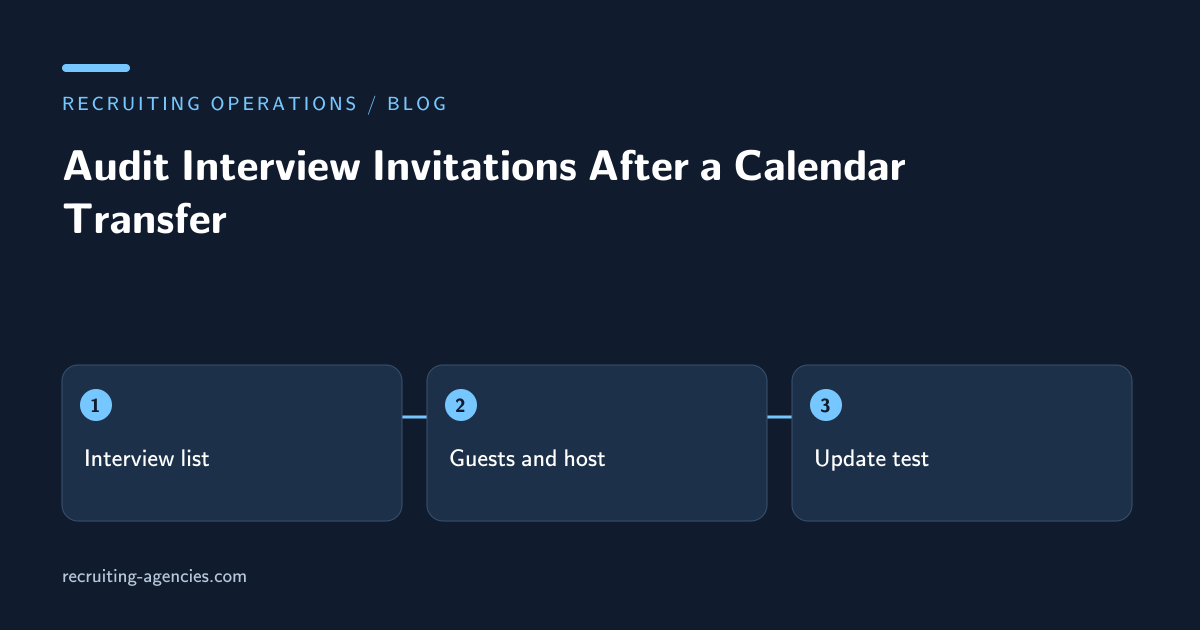
A recruiting coordinator moves a calendar to a new account and sees all the interview blocks in the right places. That is encouraging, but it does not prove that candidates remain invited or that video links still work. A calendar event is both a visible time block and a collection of relationships: organizer, guests, resources, conferencing, and future updates. A transfer can preserve one part and lose another.
This guide addresses the operational audit after an approved calendar transfer. It is especially useful when a recruiter leaves, a shared coordination account changes, or a team consolidates calendars. The assistant's job is to establish which interviews still have a functioning invitation and identify specific repairs for the authorized organizer. Merely counting calendar blocks is insufficient.
Distinguish import, sharing, and ownership transfer
Ask the administrator which operation actually occurred. Importing a file, sharing an existing calendar, and transferring event ownership are different actions. Each can produce a similar looking calendar while leaving different people able to send updates. Do not describe an imported copy as a live connection to its source.
Google's Calendar import documentation states that event imports do not bring across guests or conference data, and imported events do not remain synchronized between accounts. That specific behavior makes an interview audit necessary when a file import is involved. Other products or transfer methods must be checked against their own current documentation and administrator instructions.
Record the source account, destination account, transfer method, affected date window, and the administrator's completion time. Keep account identifiers within the approved team record. The audit should cover interviews that might still change, not simply every historical event ever stored in the calendar.
Build the affected interview list
Use the recruiting schedule or ATS as an independent inventory. If the only list comes from the destination calendar, a missing event will be invisible to the audit. Compare the requisition, candidate reference, interview stage, original organizer, start time, and expected panel. Include cancelled and rescheduled events in a separate reconciliation view so an old copy cannot be mistaken for an active appointment.
Prioritize by operational exposure. Interviews starting soon, involving external candidates, requiring a room, or containing several panelists deserve early checks. This is scheduling triage, not a judgment about candidate importance. A candidate whose interview is next week still needs a correct invitation, but an appointment beginning in an hour has less recovery time.
A simple record can have one row per interview occurrence. Recurring series deserve special treatment because one modified occurrence may have a different time or panel from the series default. Compare the actual occurrence the candidate accepted, not just the recurring pattern shown in the organizer's calendar.
Check the guest relationship
Open the destination event and inspect the guest list. Confirm that the candidate and expected interviewers are present and that their invitation statuses belong to the current event. A copied description containing their names is not the same thing as having invited them. If the transfer produced an empty guest list, route that defect to the person authorized to issue a corrected invitation.
Avoid sending replacement invitations before deciding what happens to the original. Two active events can lead a candidate to use an obsolete meeting link or decline the wrong copy. Where the old organizer is still accessible, use the approved cancellation or update process. Where it is not, have the scheduling owner approve a clear explanation identifying the event that should now be used.
Do not interpret a missing acceptance on a new event as a candidate withdrawing. The candidate may already have accepted the original. Preserve that history and distinguish “replacement invitation awaiting response” from “interview not accepted.” The recruiter needs to understand the administrative reason for the changed state.
Test the meeting path without entering private sessions
Verify that the event contains the intended meeting link or physical location. Check whether the meeting requires a specific organizer, host account, or lobby admission. An assistant should not join an actual candidate interview uninvited to test a link. Use an approved test meeting with the same settings, or have the organizer confirm the relevant controls.
For an in-person interview, check the room reservation separately from the event description. A location typed into a text field may not reserve the room. Confirm the resource's accepted booking and any arrival instructions that depend on the building or site. If the room changed, update the candidate communication only after the organizer approves the replacement.
For a remote panel, confirm who can admit the candidate and what happens if that person is delayed. The calendar transfer may have moved the visible appointment without moving conferencing host rights. A named backup with tested access is more useful than an assumption that every panelist can open the meeting.
Rehearse a controlled update
Select a designated test event and make an innocuous, approved change. Confirm which account sends the update and whether the expected test guests receive it. This checks ongoing control, which a static inspection cannot establish. Avoid using a live candidate event as an experiment.
Then check the operating procedure for real updates. The coordinator should know which account edits the event, where the current invitation lives, and which system stores the authoritative appointment reference. If recruiters continue updating the source calendar while assistants use an imported destination copy, the calendars can diverge immediately.
Document one successful update path and the conditions that invalidate it. For instance, if an organizer loses account access, the team may need an administrator-assisted transfer rather than another export. The assistant should escalate that boundary instead of repeatedly making new copies of an event.
Close with an exception list, not a blanket assurance
Report the number of expected active interviews, matched invitations, repaired events, and unresolved exceptions. An event with correct time but missing conferencing should not be counted as fully verified. Name the missing component and the person responsible for restoring it.
Consider an illustrative transfer involving 18 interviews. Sixteen retain functioning invitations, one has no guest list, and one points to a meeting whose host account is disabled. The useful report identifies those two interviews and their recovery owners. “All 18 calendar blocks are present” would conceal the actual risk.
Keep the candidate-facing correction concise. Explain the current time and link, identify any superseded invitation, and provide an approved contact if the replacement is unclear. Do not include internal account-access discussions or blame the candidate for confusion caused by the transfer.
Does a correct time zone prove the invitation is safe?
No. Time is only one dimension. Guests, organizer control, location, conferencing, and update delivery must also be checked for the affected interview.
When should the audit be repeated?
Repeat the affected checks after another transfer, an account-access change, or a failed update. Routine reminders alone will not detect that an organizer can no longer manage the meeting. Interview scheduling support can be scoped around this audit and its exception handling; bring the transfer scenario to a workflow consultation.